Live pricing
The price on screen can keep pace with the till.
Bring Flipdish live price changes into the digital menu workflow, reducing manual rework between the point of sale and display estate.
Multilingual QSR screen support. Configure a primary and approved local language for each menu screen or screen group.
Dhruv QSR / purpose-built vertical
Dhruv QSR keeps menus, prices, availability, dayparts, campaigns, and priority messages close to the operational signals that matter in food service.
Vertical decision flow
A vertical module set—not a one-size-fits-all configuration.
Dhruv shares one governed publishing foundation while the operating context determines the modules, flows, and screen outcomes.
Priority response
A controlled priority-message flow—not an ungoverned broadcast.
When a scheduled playlist is no longer the right response, Dhruv Screen Takeover gives teams a direct path to selected screens or managed groups, while retaining the chosen screen context and distribution flow.
Review QSR Screen TakeoverThe QSR flow
Begin with Flipdish live pricing, then apply the same governed flow to availability, daypart, campaign, and service-time messages across the right screens.
Purpose-built modules
Live pricing
Bring Flipdish live price changes into the digital menu workflow, reducing manual rework between the point of sale and display estate.
Menu availability
Use configured availability, daypart, and menu logic to keep the screen conversation aligned with the moment of service.
Moment campaigns
Bring timely promotions and weather-aware menu messages through an approved content flow rather than a last-minute screen change.
Service-time takeover
Use Screen Takeover for controlled priority messages on selected QSR screens or managed screen groups.
Why Dhruv QSR is different
Dhruv QSR is designed around the real operating rhythm of food service: a changing menu, a live price, a fast campaign decision, and the service message that cannot wait.
Flipdish live pricing can enter the digital menu workflow directly, so the message on screen has a defined relationship with the till rather than relying on a separate manual content task.
Availability, daypart, campaign, and configured weather context belong in the QSR module set because the menu has to make sense at the point of decision.
First-of-its-kind Screen Takeover gives teams a controlled flow to intervene on selected service screens when the priority message cannot wait for a scheduled playlist.
UK QSR operating layer
Dhruv QSR gives UK food-service teams a clear flow from the operational input to the screen, using familiar menu, £ price, daypart, campaign, and managed-site contexts.
£ pricing and menu context
Flipdish is the current live-price connection. Dhruv QSR keeps the on-screen price relationship visible within the same controlled publishing workflow.
Managed site groups
Prepare content around the relevant sites, screen groups, and service contexts, while retaining a clear controlled flow to publish.
Dayparts and campaigns
Use approved menu, campaign, and configured weather-aware content to prepare a more relevant digital menu conversation.
Screen context
Dhruv keeps the physical screen context in view, so the message, the module, and the destination remain part of one operational flow.
PRICE SYNC / LIVE
MENU STATUS / AVAILABLE
SERVICE GROUP / LUNCH
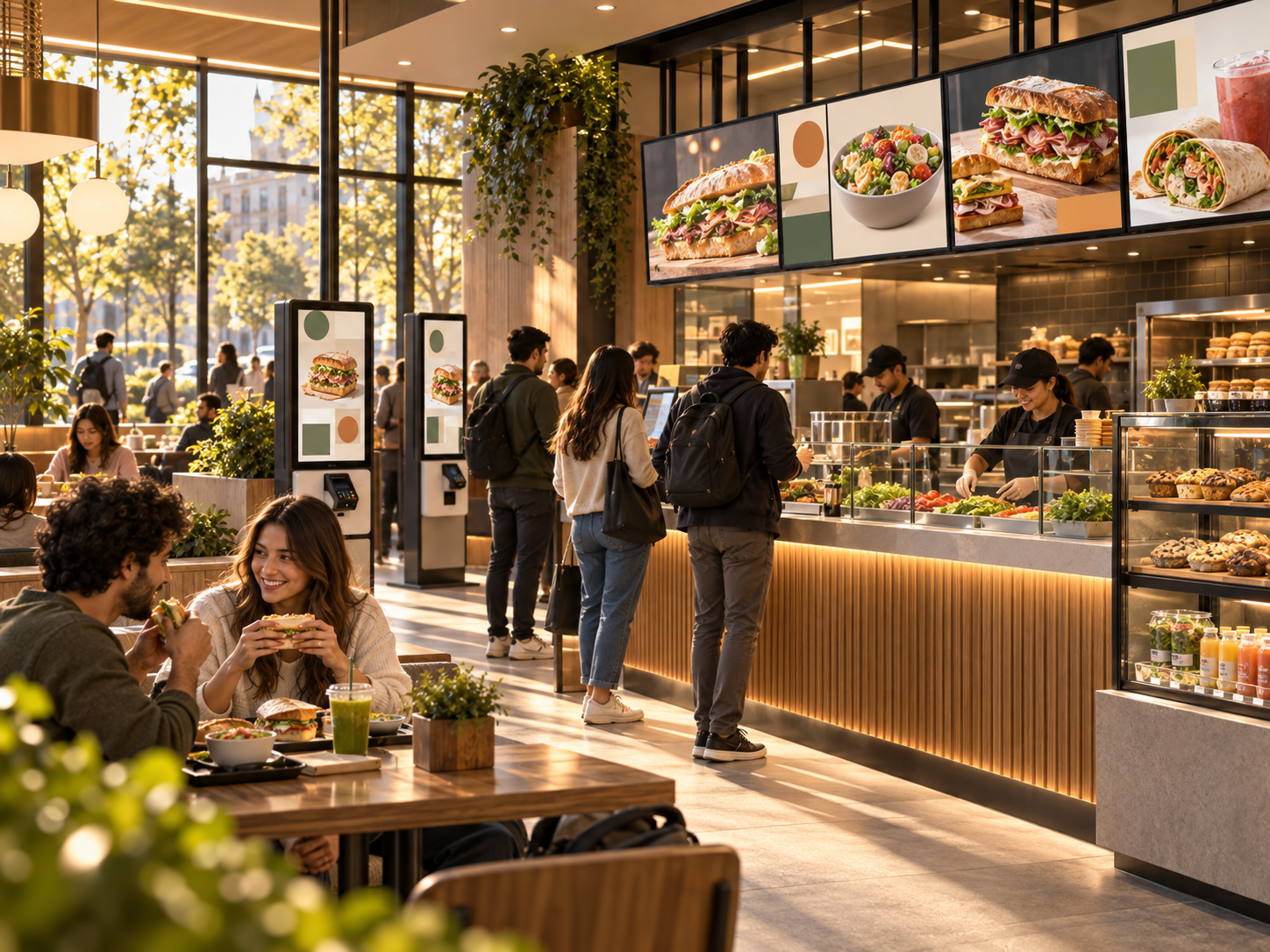
Illustrative QSR service environment / Digital menu-board context
A screen-estate view that makes the vertical context unmistakable.
Direct answers
Dhruv QSR is the food-service vertical of Dhruv Digital Signage CMS, with purpose-built modules for menus, pricing, availability, campaigns, and service-time messaging.
Yes. Dhruv currently connects with Flipdish so live price changes can be reflected in the digital menu workflow.
Screen Takeover gives QSR teams a controlled flow to place a priority message across selected service screens when the message cannot wait.
Dhruv QSR is positioned using UK QSR terminology, including £ pricing, food-service menus, dayparts, managed site groups, and multi-site screen operations.
No. Dhruv can carry approved menu content to screens, but the operator remains responsible for source data, review processes, training, and legal compliance.
Dhruv QSR can help operators keep pricing, availability, campaigns and priority service messages aligned across the selected menu screens, reducing avoidable manual publishing work.
Dhruv QSR
Make every QSR screen part of the service flow.
Start by mapping the live price, menu, campaign, and priority-message flows that need to reach each location.
Dhruv QSR insights
Short, practical guidance on how QSR teams can connect menu decisions, pricing, campaigns and service-time messages to the right screens.
Dhruv QSR blog
A practical look at live pricing, availability, dayparts and approved campaigns in one controlled publishing flow.
Read related insightsDhruv QSR blog
When a priority message cannot wait for a normal playlist, a governed takeover flow helps operators respond with clarity.
Read related insights