Ordering journeys
Take the order, keep the screen experience connected.
Build a guided self-service journey for browsing, customisation, basket review, order confirmation, and the return to an engaging idle display.
Self-service kiosks / QSR platform
Dhruv brings self-service ordering, sale-ready EPOS flows, payment stages, digital signage, AI marketing, multi-screen coordination, reporting, and priority communication into one QSR operating platform.
One connected flow
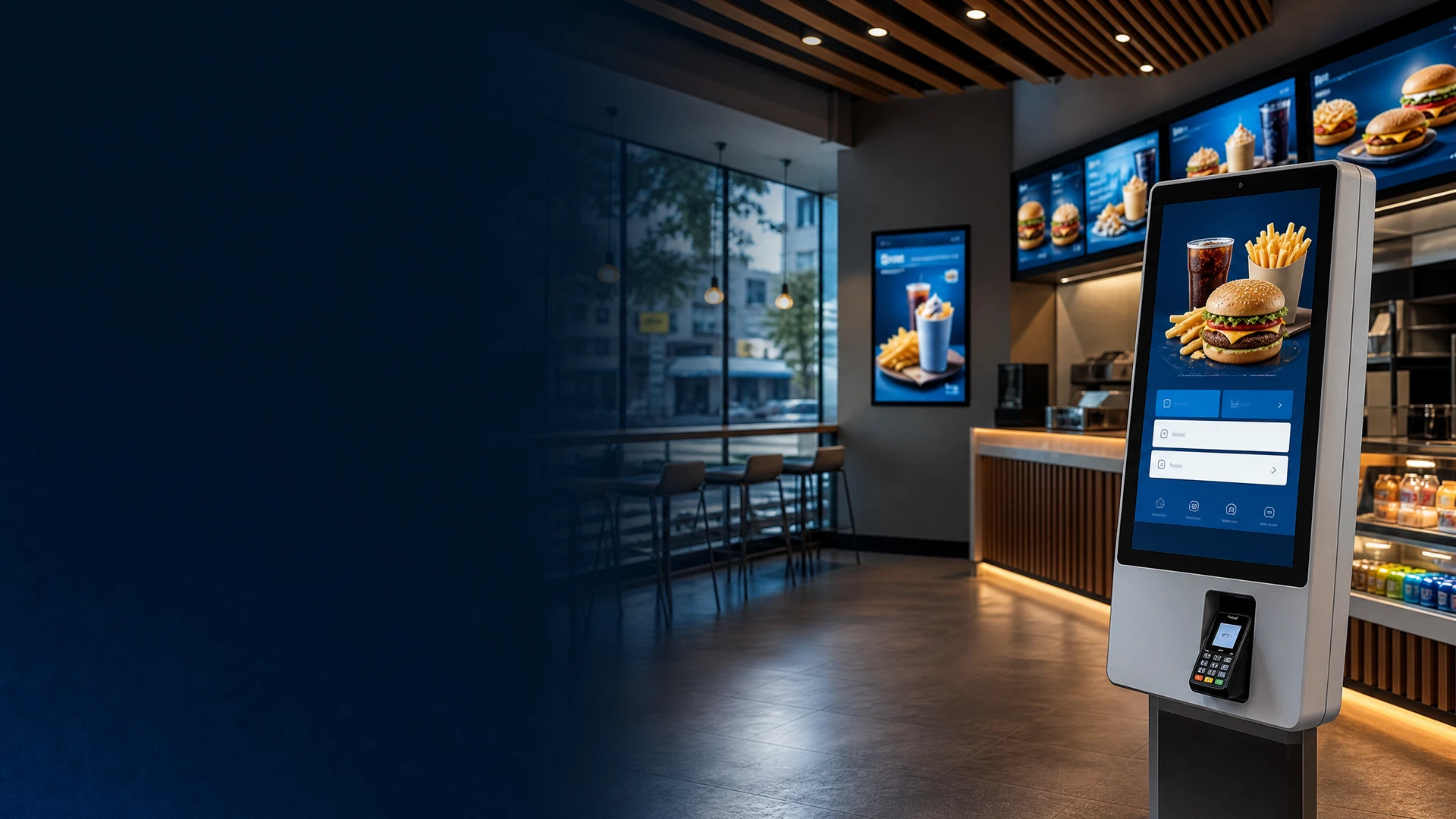
A customer begins at the kiosk. Dhruv keeps the order journey, product and price context, screen messaging, campaign opportunity, and managed destination connected from the first touch through to the next customer moment.
Purpose-built modules
Ordering journeys
Build a guided self-service journey for browsing, customisation, basket review, order confirmation, and the return to an engaging idle display.
EPOS and payment stage
Connect sale-ready EPOS system flows, product and price data, and the contactless payment stage within the configured kiosk deployment.
Upsell and campaigns
Use intelligent upselling, campaign content, configured weather context, and AI marketing to make the customer-facing offer more timely.
Accessible interaction
Present multilingual selection, accessible ordering options, and voice-led interaction within the configured kiosk journey.
Idle-screen signage
Return the kiosk to a coordinated digital-signage mode for offers, menu messaging, promotions, and service communications between orders.
Estate control
Manage multi-site kiosk estates, screen groups, priority messages, publishing, status, reporting, access roles, and remote operational actions from Dhruv.
Order, promote, respond
Dhruv turns the quiet moment between orders into a visible customer opportunity: a promotion, an add-on, a menu message, a service update, or a coordinated campaign across the wider screen estate.
Customer browsing, product customisation, basket confirmation, payment, and order completion follow one configured ordering journey.
Use intelligent upsell prompts, AI marketing, and configured menu context to support the offer presented at the kiosk and on connected screens.
Authorised teams can use Screen Takeover for a managed, immediate message across selected compatible screen groups when the normal playlist needs to give way.
Customer access and operator control
Present the relevant language options and configured local-language content for the kiosk’s deployment context.
Provide voice functions and accessible interaction options as part of the configured kiosk experience.
Dhruv brings configurable reporting, order and content analytics, device status, access controls, audit history, remote support tools, and estate-level management into the operational view.
Direct answers
Dhruv Self-Service Kiosks is a QSR customer-ordering flow within Dhruv Digital Signage CMS. It connects self-service ordering, sale-ready EPOS flows, payment stages, digital signage, campaign content, and managed screen operations.
Yes. Dhruv can return a configured kiosk to idle-screen digital signage, allowing campaigns, menu content, promotions, and service messages to remain visible between customer interactions.
Yes. The live kiosk capability set includes multilingual ordering options, accessible interaction flows, and voice-led functions, configured for the relevant deployment.
Dhruv’s commercially sale-ready EPOS system flows are configured around the provider API, relevant product and price data, customer permissions, and the agreed kiosk and screen scope.
Yes. Dhruv can coordinate kiosk content, digital menu boards, campaigns, and connected screen groups so the customer-facing estate is managed through one operational platform.
Yes. Dhruv Screen Takeover gives authorised teams a controlled flow to place a priority message across selected compatible screen groups when scheduled content is no longer the right response.
Dhruv Self-Service Kiosks
Turn every kiosk into an ordering, marketing, and communication platform.
Map the customer journey, connected menu screens, campaign opportunities, and operating controls around the real QSR estate.