Confirmed connection
Flipdish
Live price changes can move into Dhruv’s digital-menu workflow.
EPOS & integration capability
Dhruv gives QSR teams a controlled flow from the available provider data to compatible customer-facing menu content. Flipdish is the public live-price reference connection; every other commercial flow is configured to its provider API, agreed data scope, permissions, and screen estate.
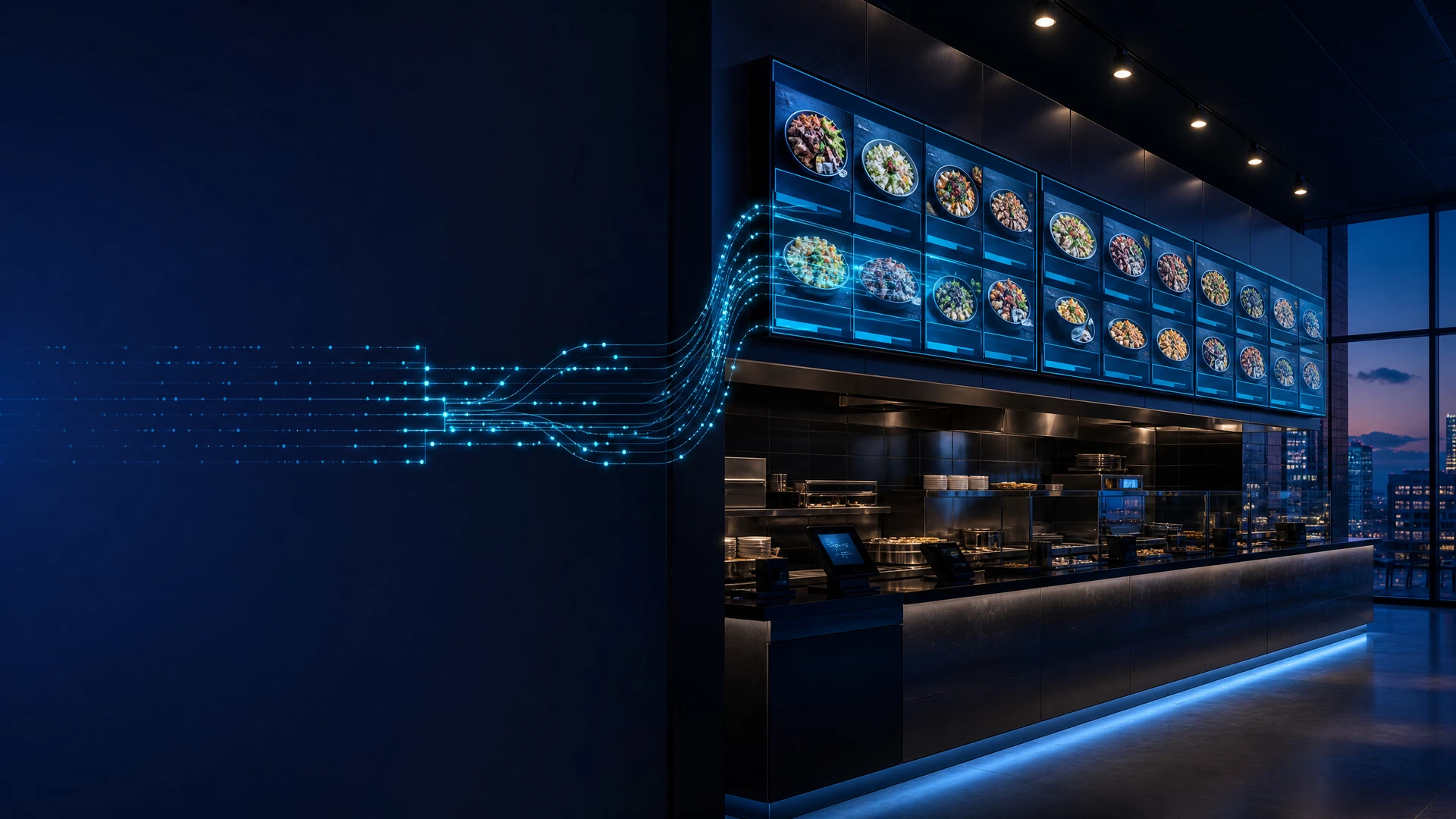
The approved flow
Available provider data → Dhruv workflow → compatible display context
Your POS and digital menu boards, connected.
Dhruv is designed to connect approved restaurant POS information with the digital-menu workflow, so the customer-facing screen can reflect the operational data that is approved for use.
Approved POS data
Menu, price, product, availability
Dhruv
Apply the agreed workflow and screen context.
Configured screens
Present the approved menu message.
Flipdish is the public live-price reference connection. Dhruv’s other EPOS system flows are ready for commercial sale and are configured around the provider API, available data fields, customer permissions, and the agreed deployment scope.
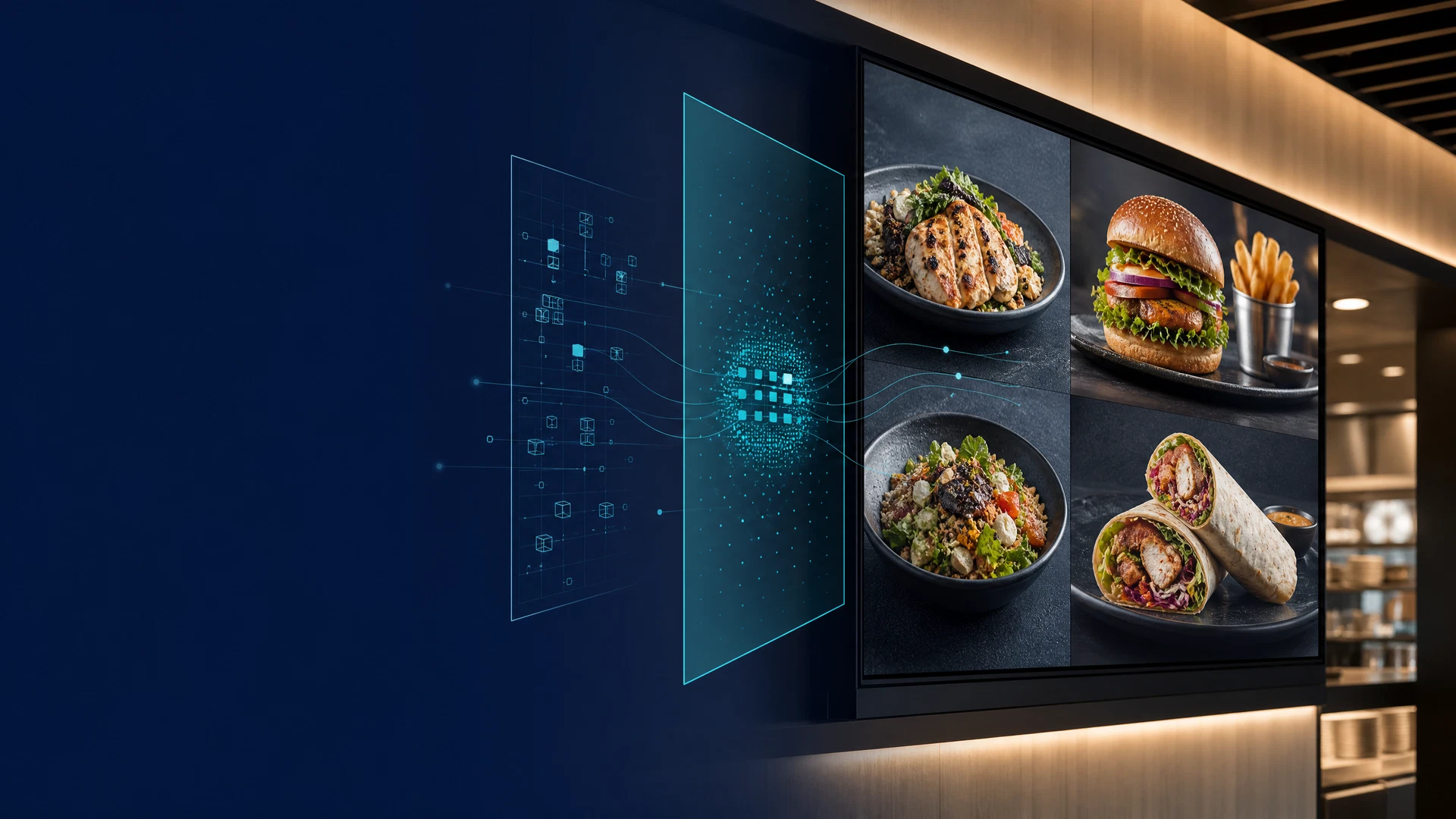
One integration approach. The right screen context.
Confirmed connection
Live price changes can move into Dhruv’s digital-menu workflow.
Sale-ready provider flows
Oracle MICROS Simphony, Toast, Square, Lightspeed Restaurant, and other providers are commercially sale-ready flows. Each delivery is configured to the relevant API, data, customer permissions, and screen scope.
A controlled scope conversation
The assessment establishes the available menu, price, product, modifier, and availability data; the restaurant locations in scope; the target screen layouts; and the approvals needed before customer-facing content changes.
Future QSR pathways
The following concepts describe potential QSR workflows, not public commitments or live feature claims. Each requires a confirmed integration flow, customer approval, operating rules, and implementation validation.
Conditional
Provider-specific automation and commercial approval logic require scoped data and rules.
Conditional
Temporary-service continuity and event audit controls require a verified technical design.
Future assessment
Connected ordering, basket, modifier, and payment flows are not currently offered through this public page.
Future assessment
Any performance-led campaign logic needs confirmed data, governance, and human approval boundaries.
The current connection
Flipdish is Dhruv’s public live-price reference connection. It brings current pricing into the digital-menu process, helping the on-screen menu remain aligned with the till.
Other Dhruv EPOS system flows are sale-ready for commercial deployment and are configured to the provider API, available data, customer permissions, and agreed screen scope.
Read the integration answersFrom signal to screen
Live price changes
Dhruv connects to Flipdish so live pricing can be reflected in the digital menu workflow.
AI campaigns
Use AI-enabled campaign creation to prepare timely marketing messages when the moment calls for action.
Weather-aware menus
Configured weather conditions can inform menu content, supporting context-aware offers and menu changes.
Screen control
Major screen manufacturer integrations give Dhruv a direct flow to default screen-control capabilities.
What changes in the moment
AI-enabled campaign creation helps turn an immediate opportunity into prepared on-screen marketing content.

Configured weather conditions can guide timely menu content, giving offers and food choices a relevant on-screen context.
Screen Takeover
First of its kind · Two steps
Screen Takeover gives teams a direct, controlled flow to place a priority message on selected screens or managed screen groups. Import the video, select the group and wall layout, and Dhruv automatically slices and distributes the fully synchronised output—without treating the display estate as just another scheduled channel.
10 varied scenarios · 3 canvas formats · automatic synchronised distribution
Explore the QSR Screen Takeover flow
Priority intervention
Immediate control, with the right screen context still in view.
Illustrative Screen Takeover content
Screen Takeover in two steps
What is usually a time-consuming manual screen-wall task becomes a two-step flow: import the long video, then select the group and pictorial layout while Dhruv analyses, slices, and distributes the synchronised output.
Import
Import the source video. Dhruv reads the file resolution and prepares it for the selected Screen Takeover canvas.
Source media
Resolution read before takeover.
Select and distribute
Select the screen group and pictorial 2, 3, 4, or 5-screen layout. Dhruv checks compatibility, slices the source video, and distributes a fully synchronised output across the selected screens.
2
3
4
5
Compatible output only · Fully synchronised delivery · Full HD downscale offered when appropriate
The template offer
This first-of-its-kind template set is not a stack of repeated alerts. It gives operational and commercial teams a prepared flow for the priority message that actually needs to go live.
Format A
9,600 × 1,080
For expansive multi-panel estates where priority messages need a single, deliberate visual flow across the full canvas.
Format B
5,760 × 1,080
For wide digital canvases that need the same approved priority-message system at a more compact estate width.
Format C
19,200 × 2,160
For expansive 4K display-wall canvases requiring one coherent Screen Takeover message across the estate.
Varied, controlled content
Safety readiness, weather, maintenance, transport, access, live prices, offers, events, availability, and welcome messages—each designed for a distinct operating moment.
The operating system around it
Estate-aware publishing
Dhruv supports 4K output and publishes only media whose resolution and file format match the configured screen capability. Unsuitable supplied assets can be corrected before they enter the publishing flow.
Device operations
Bring device control, player releases, and administrator actions into the same operational workspace.
Visible control centre
Give operational teams the information and governance to see what is live and act on exceptions.
Integration answers
The current capability covers Flipdish live price changes, AI marketing in beta, weather-aware menu configuration, default screen controls, 4K and screen-aware publishing, the flagship Screen Takeover module, and automatic video splicing.
Yes. Dhruv is connected with Flipdish so live price changes can move from EPOS into the digital menu workflow.
Yes. Dhruv’s EPOS system flows are commercially sale-ready. Each provider deployment is configured around its available API, relevant product and price data, customer permissions, and the agreed screen scope.
The intended flow is POS to Dhruv to the relevant screens. Where a provider connection is approved, available menu, product, price, and availability data can be assessed for use in the digital-menu workflow.
These are sale-ready EPOS flows for commercial deployment. Flipdish is Dhruv’s public live-price reference connection; Oracle MICROS Simphony, Toast, Square, Lightspeed Restaurant, and other providers are configured with their provider-specific API, data, customer permissions, and deployment scope.
Any provider-specific automation for availability, price approvals, resilience during an external-service interruption, audit records, kiosk journeys, or self-service ordering remains conditional. These pathways require evidence of the source data, operating rules, approval controls, customer permissions, and deployment scope before they can be offered or claimed as live capabilities.
Dhruv uses AI to prepare instant marketing campaigns and can use configured weather conditions to optimise menu content for the moment.
Dhruv integrates with major screen manufacturers to provide default screen controls alongside content, campaign, and menu operations.
Dhruv Screen Takeover is a first-of-its-kind module for immediate, controlled intervention on selected screens or managed screen groups when the message cannot wait.
Dhruv offers ten varied Screen Takeover scenarios in 9,600 × 1,080, 5,760 × 1,080, and 19,200 × 2,160 formats. The set covers operational, commercial, event, weather, travel, menu, and welcome messages.
Yes. Dhruv supports 4K resolutions and publishes only content whose resolution and file format are compatible with the configured screen capability. Where supplied media is unsuitable, the content can be corrected before publishing.
Screen Takeover follows a two-step flow: import the long video, then select the screen group and pictorial 2, 3, 4, or 5-screen layout. Dhruv checks compatibility, slices the source video, and distributes a fully synchronised output to the selected screens. Immediate or timed playout is selected within that final distribution step.
Dhruv integration capability
Bring the price, promotion, varied takeover templates, screen controls, and immediate intervention into one operational flow.